Garage
The garage is where your vehicles live, each car has its own page with specs, fault cases and photos.
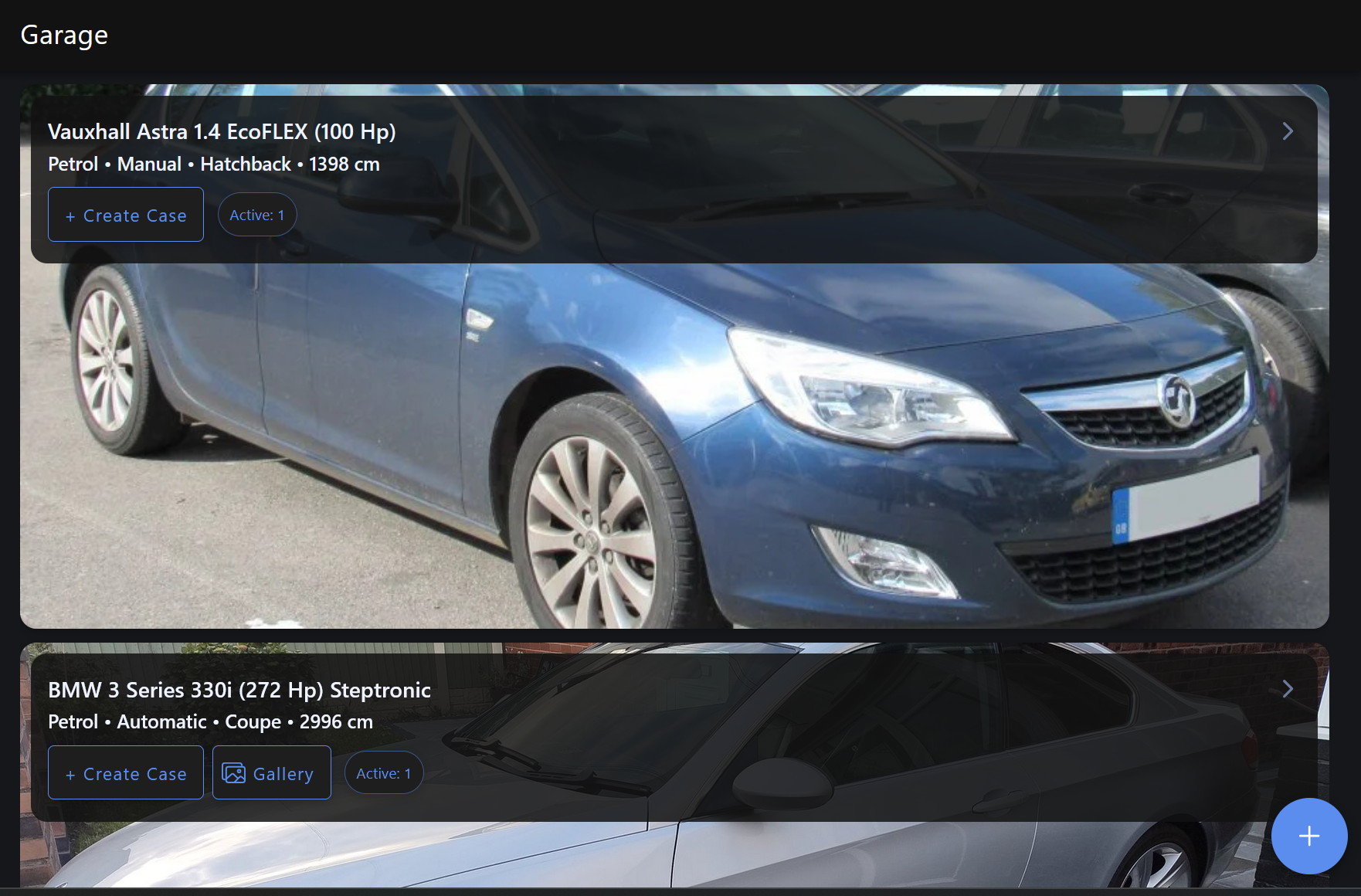
Adding a vehicle
- Tap Garage in the nav
- Tap the + button
- Search by manufacturer, model, variant and generation; the database covers most production vehicles
- If yours isn't in the list, tap Add manually and fill in the details yourself
- Hit Save
Vehicle details
Tap any vehicle to see its full page which includes:
- Specifications — tabbed across Engine, Electric, Transmission, Fuel, Suspension, Body and Fluids
- Fault cases — all cases linked to this vehicle
- Photos — the image gallery
Editing a vehicle
From the vehicle details page tap the edit icon (top-right) to update any of the vehicle's details.
Deleting a vehicle
You can only delete a vehicle if it has no fault cases attached to it. If there are cases linked remove or reassign them first.
Vehicle photos
Add photos to show your exact car, colour, modifications, current condition. Photos are visible publicly if/when you share the vehicle gallery link.
- Go to the vehicle details page
- Scroll to the Photos section
- Tap + to upload
The first photo you add becomes the primary image and shows as the vehicle thumbnail.
Public vehicle view
Every vehicle can be shared publicly via a link and anyone with the link can view the vehicle's photo gallery without logging in.